Yapi搭建与使用
· 阅读需 2 分钟
YApi 可视化接口管理平台,(不在维护了)
Yapi 搭建
备注
前置条件,掌握 nodejs,mongo
安装
方式一. 可视化部署[推荐]
npm install -g yapi-cli --registry https://registry.npm.taobao.org
yapi server
方式二. 命令行部署
git clone --depth=1 https://github.com/YMFE/yapi.git vendors
cp vendors/config_example.json ./config.json
# nvm use v8.17.0 (不在维护,需要使用低版本)
npm install --production --registry https://registry.npm.taobao.org
npm run install-server
node server/app.js
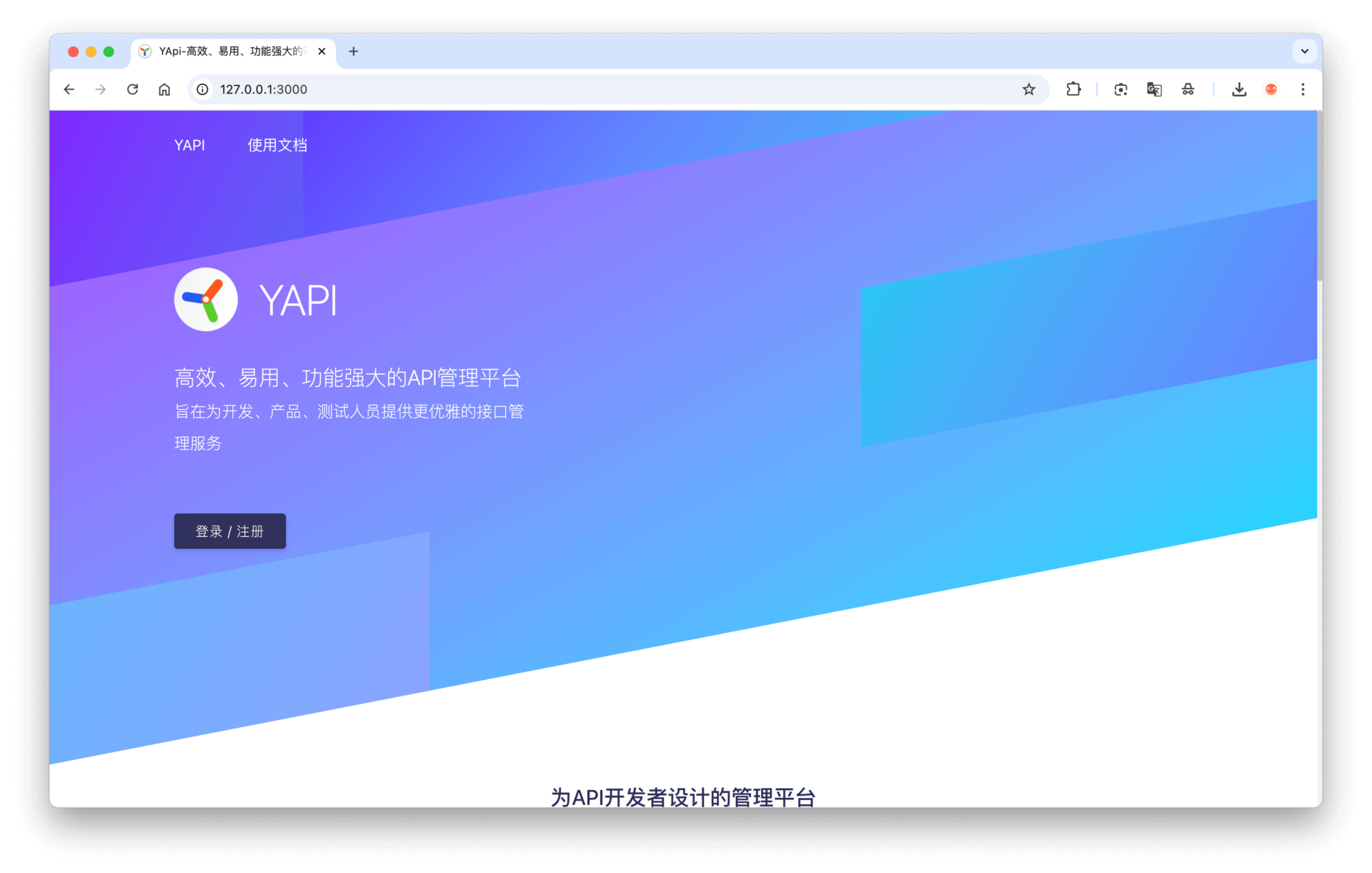
启动 mongo 数据库
mongod --dbpath ~/yapi/mongodb/data --logpath ~/yapi/mongodb/log/log.log --bind_ip 127.0.0.1 --port 27017
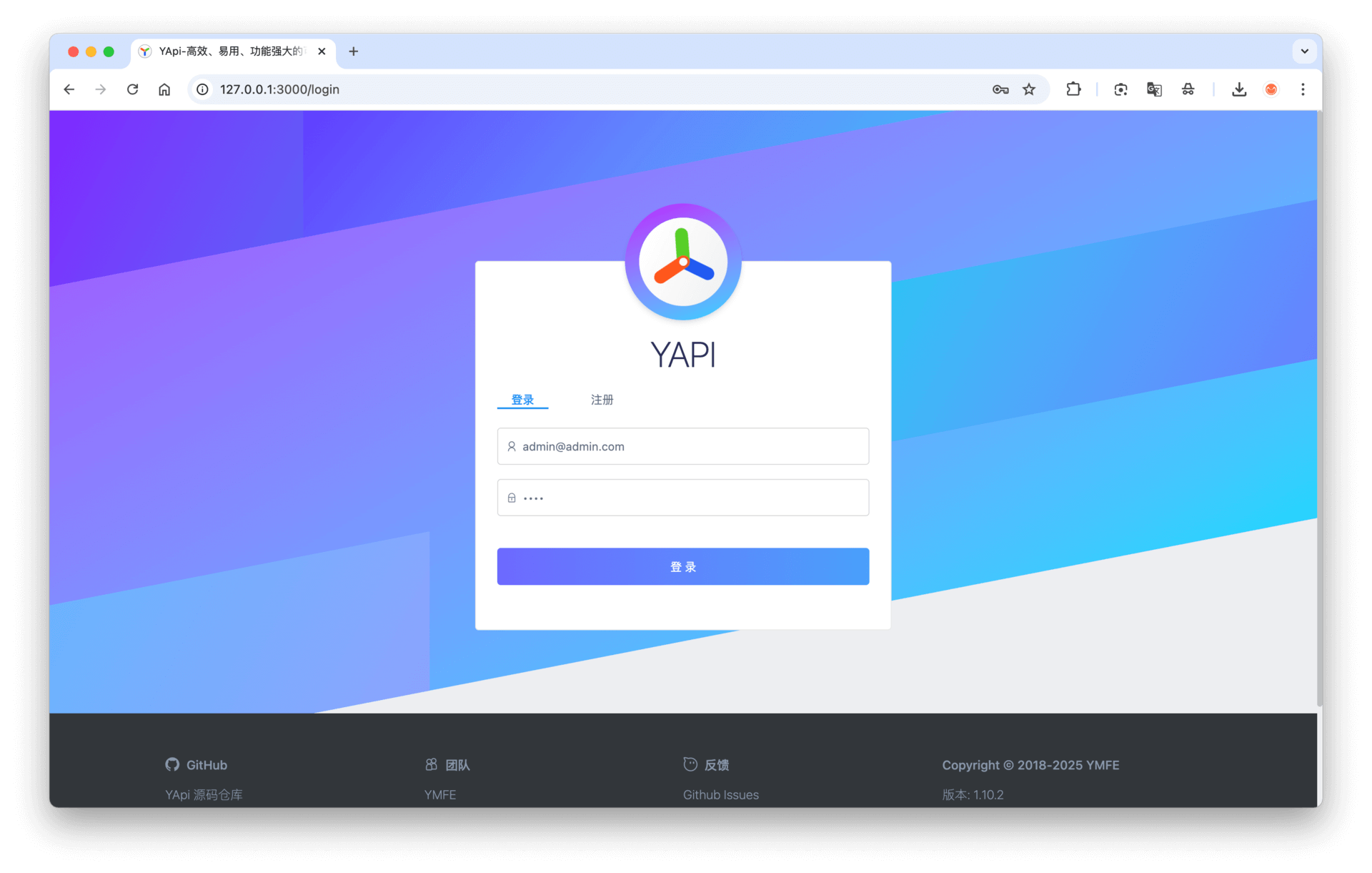
安装后的目录结构如下:
|-- config.json
|-- init.lock
|-- log
|-- vendors
    |-- CHANGELOG.md
    |-- LICENSE
    |-- README.md
    |-- client
    |-- common
    |-- config_example.json
    |-- doc
    |-- exts
    |-- nodemon.json
    |-- npm-debug.log
    |-- package.json
    |-- plugin.json
    |-- server
    |-- static
    |-- test
    |-- webpack.alias.js
    |-- yapi-base-flow.jpg
    |-- ydocfile.js
    |-- ykit.config.js
配置
- closeRegister:true, // 禁止注册
- versionNotify: true,// 开启升级通知
参考链接
官网:https://github.com/YMFE/yapi
安装:https://hellosean1025.github.io/yapi/devops/index.html#%e5%ae%89%e8%a3%85